
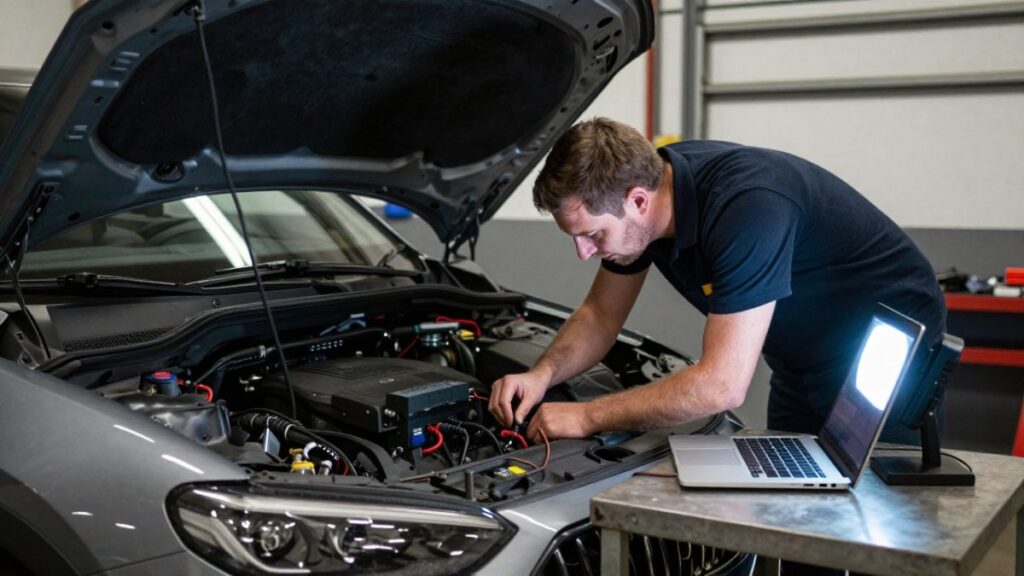
7 Pieces of ECU Tuning Equipment Every Tuner Needs
Last Updated: November 8, 2026
Quick Summary
ECU tuning equipment is the combination of a hardware interface, tuning software and a library of ECU files that lets a tuner read, edit and write engine control data. The interface often gets the attention, but the software licence and file support usually decide what work you can actually take on.
- OBD port tuning is the fastest route into most vehicles, while bench and boot mode handle locked ECUs.
- A sensible first setup is one proven interface, one licensed software platform, a stable bench power supply and a backup routine.
- ECU tuning software is licensed, not owned outright, sold as protocol credits, vehicle-specific licences or annual subscriptions.
- Total cost of ownership is the purchase price plus licences, renewals, updates, backup hardware and failed-write downtime.
- Buy for the work on your bench, not the work you hope to attract, and add tools as the work arrives.
Table of Contents
- What ECU Tuning Equipment Actually Consists Of
- ECU Remapping Tools: OBD, Bench and Boot Mode Compared
- ECU Tuning Tools for Beginners: A Sensible First Setup
- ECU Tuning Software: Licences, Subscriptions and Updates
- AutoTuner vs KESS3 vs FLEX: Which Fits Your Bench
- Total Cost of Ownership and Compatibility Checks Before You Buy
- Matching Your Equipment to the Work You Actually Do
- Frequently Asked Questions
What ECU Tuning Equipment Actually Consists Of
ECU tuning equipment is the combination of a hardware interface, tuning software and a library of ECU files that lets a tuner read, edit and write engine control data. The interface often gets the attention, but the software licence and file support usually decide what work you can actually take on.
Three parts make up a working setup:
- The interface: the cable or bench tool that talks to the ECU
- The software: the editing platform and its licence
- The files: stock reads, tuned files and the backups that protect both
Miss any one of these and the toolkit stalls. A universal programmer with no file library is a cable with ambitions.
The Interface, the Software and the Files
The interface handles communication. It reads and writes ECU data over OBD, on the bench, or in boot mode. The software interprets that data, and the files are what you actually sell to a customer.
Beginners often buy the cheapest interface they can find, then discover the software licence costs more than the hardware. Budget for all three from day one. The interface is rarely the expensive part.
ECU Remapping Tools: OBD, Bench and Boot Mode Compared
OBD port tuning is the fastest route into most vehicles: plug into the diagnostic port, read the file, edit it and write it back. Bench tuning moves the ECU onto a dedicated rig, while boot mode opens the processor directly when a locked ECU refuses normal access.
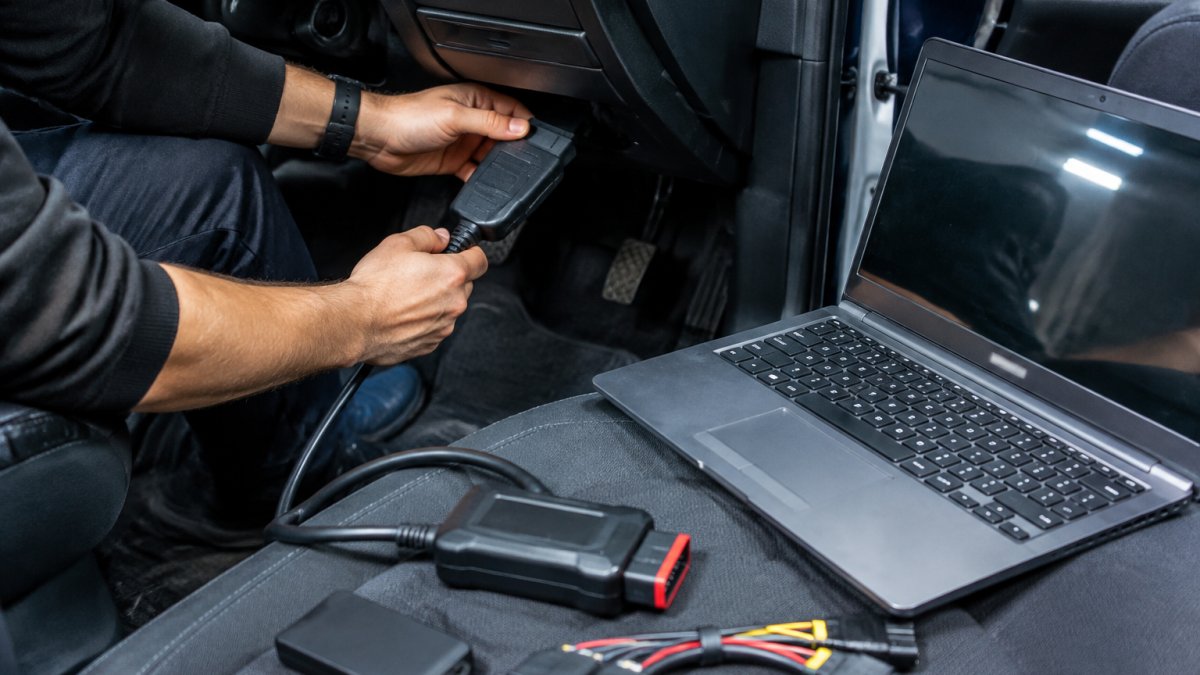
The three methods serve different jobs rather than competing with each other.
| Method | Access Point | Typical Use | Main Limitation |
|---|---|---|---|
| OBD | Diagnostic port | Standard remaps, quick reads | Locked or protected ECUs |
| Bench | ECU connectors on a rig | Protected ECUs, no-port vehicles | Requires pinout data |
| Boot mode | Processor pins | Recovery, heavily locked units | Highest risk of damage |
When OBD Port Access Is Not Enough
Newer ECUs increasingly refuse OBD writes. When that happens, bench and boot mode are the only routes in. Boot mode carries real risk: a wrong pinout or an interrupted write can leave a unit dead.
Watch out: always confirm the pinout against the tool’s own database before touching processor pins. Guessing here is how ECUs get bricked.
ECU Tuning Tools for Beginners: A Sensible First Setup
A sensible first ECU tuning toolkit is one proven interface, one licensed software platform, a stable bench power supply and a backup routine you follow every single time. Skip the multi-tool bundle. Learn one platform properly before adding a second.
A sensible approach for a first setup:
- One interface with solid vehicle coverage and active software updates
- A licensed editing platform with a real support channel
- A regulated power supply for bench work
- A labelled backup folder for every stock file you read
If you also handle interior work between jobs, dash removal tools round out the physical side of the kit without stretching the budget.
A common mistake is buying three cheap programmers instead of one good one. Coverage and file support matter far more than the number of boxes on the shelf.
ECU Tuning Software: Licences, Subscriptions and Updates
ECU tuning software is licensed, not owned outright. Most platforms sell protocol credits, vehicle-specific licences or annual subscriptions, and updates arrive as new ECUs hit the market.
That changes the maths. A tool that looks cheap upfront can cost more over three years once subscription renewals stack up. Ask three questions before buying:
- Does the licence cover the vehicles you actually see?
- Are software updates included, or billed separately?
- What happens to your files if you stop paying?
Technical support is part of the product. A licence without a support channel leaves you stuck mid-job with a customer waiting.
AutoTuner vs KESS3 vs FLEX: Which Fits Your Bench
AutoTuner, KESS3 and FLEX are the three names that come up most in bench tuning, and they suit different workshops. AutoTuner leans toward protocol coverage and master-slave setups. KESS3 covers a broad vehicle range across OBD, bench and boot work. FLEX suits tuners who want a compact unit with strong bench and boot support.
None of them is universally best. Match the tool to the ECUs on your bench, not to a spec sheet.
| Tool | Strength | Best For | Watch Out For |
|---|---|---|---|
| AutoTuner | Wide protocol coverage | Shops running multiple brands | Higher learning curve |
| KESS3 | Broad vehicle range, all three modes | Mixed general workshops | Licence costs add up |
| FLEX | Compact bench and boot work | Bench-focused tuners | Fewer OBD shortcuts |
A spec sheet tells you what a tool can do in theory. A decision framework tells you whether it fits your bench. Work through these five questions in order before you commit:
- Skill level. If you are new to bench work, favour the platform with the clearest guided workflow and the strongest support channel, even if it costs more. A tool that assumes you already know the pinout will slow a beginner down on every job.
- Vehicle coverage. List the makes, models and model years you actually see in a month. Then check each tool’s supported vehicle list against that list, ECU by ECU. Coverage claims on a landing page are not the same as a confirmed read/write entry for your exact ECU type.
- Workflow. Map the job end to end: read, edit, checksum correction, write, verify. A tool that is fast on the read but forces you into a separate checksum step adds time on every file. Ask which steps are automated and which are manual.
- Budget shape. Separate the purchase price from the running cost. A lower purchase price with per-protocol unlocks can cost more over three years than a higher purchase price with bundled coverage. Price both against the vehicles on your list.
- Business model. A shop doing general servicing needs broad OBD coverage and quick turnaround. A specialist handling locked ECUs daily needs deep bench and boot support and a recovery routine. Buy for the work you intend to take on, not the work you hope to attract.
A practical way to run this is a scored shortlist. Give each candidate a score out of five on skill fit, coverage fit, workflow fit, three-year cost and support, then weight the criteria by what matters most to your bench.
Watch out: do not buy on a demonstration alone. If support cannot be confirmed for the intended read and write method, weigh the risks of sending the ECU away for repair and consider what Dealerkeys can do to help you make an informed choice.
Check current pricing directly with each supplier, since licence structures change. Our own blog is worth a browse for release news that affects buying decisions: Autotech UK news and offers.
Total Cost of Ownership and Compatibility Checks Before You Buy
Total cost of ownership is the purchase price plus licences, renewals, updates, backup hardware and the downtime of a failed write. Tuners routinely budget for the first and forget the rest.
Build the three-year figure from these components:
- Purchase price. The interface, the bench rig and any required cables or adapters.
- Licence tier. Protocol credits, vehicle-specific licences or an annual subscription, priced at the tier that covers your actual vehicle list.
- Renewals and updates. Whether updates are included or billed separately, and what happens to your files if you stop paying.
- Protocol unlocks. Per-make or per-ECU unlocks that are not in the base price.
- Support. Whether technical support is included or sold as a paid tier.
- Consumables and backup hardware. A regulated bench power supply, spare leads, and storage for original-file backups.
- Downtime. The cost of a failed write: a customer waiting, a recovery job, and in the worst case a replacement ECU.
A common pattern is that the purchase price is the smallest line in the three-year total.
Compatibility is the other half of the decision. Run this check before any purchase:
- Confirm your target vehicles and their exact ECU types
- Check the tool’s supported vehicle list against that list
- Confirm whether each ECU needs OBD, bench or boot access
- Price the licence tier that covers those vehicles
- Add renewal and update costs for three years
- Confirm backup and recovery support exists for each ECU
To make the compatibility check repeatable, record five fields for every vehicle you intend to tune: make, model, model year, ECU type and the supported read/write method. Then verify each field against the tool’s own database rather than a reseller’s summary. If any field is unconfirmed, treat that vehicle as out of scope until the supplier confirms it in writing.
Safety and recovery deserve their own line in the budget. A bench power supply and a disciplined backup routine cost far less than replacing a bricked ECU.
For a benchmark on what tuning-adjacent work costs, our ECU remapping cost guide sets out the current pricing picture.
Matching Your Equipment to the Work You Actually Do
Buy for the work on your bench, not the work you hope to attract. A shop doing five to ten sessions a month needs different kit from a specialist handling locked ECUs daily.
If your work centres on dyno testing and diagnostics, odometer management belongs in the same conversation as your tuning hardware.
Start with one interface, one licence and a backup habit. Add tools as the work arrives, and your bench stays profitable instead of crowded.
The hardest part of buying ECU tuning equipment is resisting the bundle that promises everything. Pick one platform, learn its limits and let your vehicle coverage grow with your customer base.
Frequently Asked Questions
What equipment do you need for ECU tuning?
A working setup needs four things: a hardware interface that talks to the ECU, tuning software with a valid licence, a stable power supply for bench work, and a reliable source of tuning files. Add a laptop, a backup of every original file you read, and a multimeter for checking wiring. Beginners can start with an OBD-only interface covering common protocols, then add bench and boot capability once they meet vehicles that lock the port.
What is the best ECU tuning tool for beginners?
For a first purchase, prioritise vehicle coverage and support over headline features. A tool that handles OBD reading and writing on the models you actually see, with clear documentation and an active user community, will teach you more than a cheaper unit with patchy protocol support. Check the supported vehicle list against your own jobs before buying, and confirm whether software updates are included or charged separately.
Can you remap a car with a laptop and an OBD tool?
Yes, on many vehicles. A laptop running tuning software connected to an OBD interface can read the ECU, save the original file, apply a modified map and write it back. The limits are practical: some ECUs lock OBD writing, some need the ECU on the bench, and newer models with encryption may need boot mode or a dedicated protocol. Always keep the original read stored safely so you can restore it.
Do ECU tuning tools work with every vehicle?
No. Coverage varies by tool, protocol and model year, and it changes with software updates. Before committing, check the tool’s supported vehicle list for the exact engine and ECU family you plan to work on, not just the make and model. For dyno and diagnostic work where you also manage odometer readings, a plug-and-play module such as Mileage Blocker is specified per vehicle, so confirm fitment for each car rather than assuming one unit covers a mixed fleet.

Leave a Reply